Vodafone Incoming and Outgoing Call Details Kaise Dekhen? (Safe & Legal Guide)
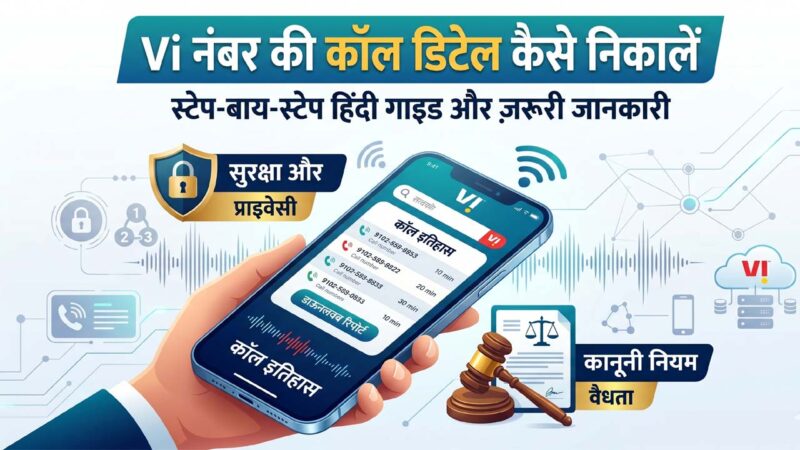
अगर आप अपना खुद का Vodafone Idea (Vi) नंबर का incoming और outgoing call details देखना चाहते हैं, तो इसके कुछ official और सुरक्षित तरीके उपलब्ध हैं। लेकिन ध्यान रहे कि किसी दूसरे व्यक्ति की call details बिना अनुमति निकालना privacy violation और गैरकानूनी हो सकता है।
Vodafone (Vi) Call Details देखने के Official तरीके
1. Vi App से Call Details देखें
आप Vi App Official Website या Google Play Store/App Store से Vi App डाउनलोड कर सकते हैं।
Steps:
- Vi App खोलें
- अपने मोबाइल नंबर से Login करें
- OTP Verify करें
- Usage History / Call History सेक्शन में जाएं
- वहां Incoming और Outgoing कॉल की जानकारी मिल सकती है
2. Email Bill या Itemized Bill
Postpaid users detailed bill प्राप्त कर सकते हैं जिसमें:
- Incoming Calls
- Outgoing Calls
- SMS Details
- Data Usage
जैसी जानकारी हो सकती है।
इसके लिए Vi Customer Care से संपर्क करें।
3. Customer Care से संपर्क करें
Vi Official Customer Care:
- Vi नंबर से:
199 - दूसरे नंबर से:
199या local support number
Official वेबसाइट:
Vi Customer Support
जरूरी जानकारी
सामान्यतः telecom companies:
- पूरी call recording नहीं देतीं
- Privacy rules follow करती हैं
- सिर्फ account owner को limited details देती हैं
Fake Websites और Apps से बचें
इंटरनेट पर कई वेबसाइट दावा करती हैं:
- “किसी की भी call details निकालें”
- “Number डालकर सारी call history देखें”
ऐसी सेवाएं अक्सर:
- Scam होती हैं
- आपका data चोरी कर सकती हैं
- Malware फैला सकती हैं
इसलिए केवल official Vi methods का ही उपयोग करें।
FAQs
Q1. क्या मैं अपने Vodafone नंबर की call history देख सकता हूं?
हाँ, Vi App या detailed bill के जरिए।
Q2. क्या दूसरे व्यक्ति की call details निकाली जा सकती है?
बिना अनुमति ऐसा करना गलत और illegal हो सकता है।
Q3. क्या Vi call recording देता है?
नहीं, सामान्य users को call recordings उपलब्ध नहीं कराई जातीं।
Q4. Vi App सुरक्षित है?
हाँ, official Vi App सुरक्षित माना जाता है।